
How Online Quran Classes Actually Work in 2026
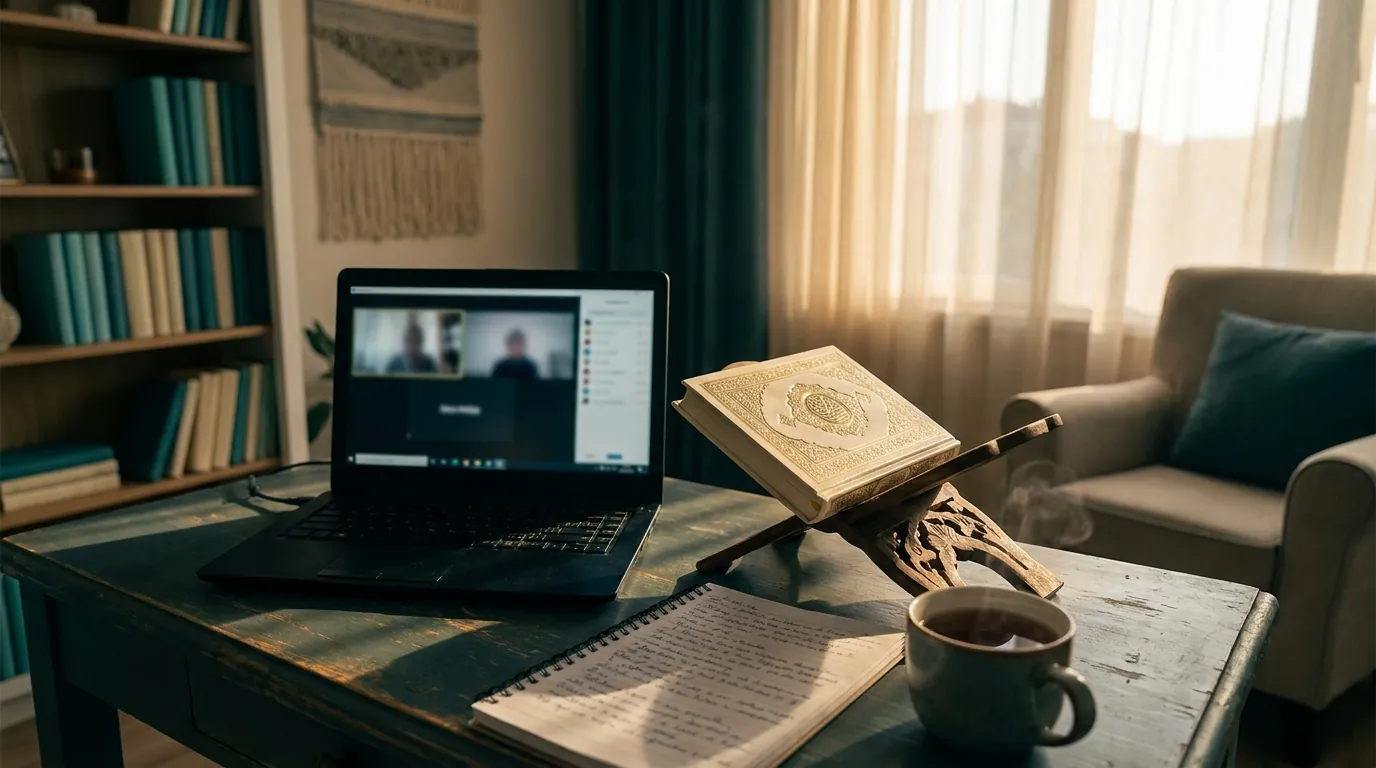
A reasonable question, and one we get often:
"How does an online Quran class actually work? Is it really 1-on-1, or am I going to end up on a Zoom call with 15 other kids and one tired teacher?"
This article walks through exactly what an online Quran class looks like at Quran Interactive in 2026 — from the moment a parent books a free trial, through the class itself, to the after-class progress notes. It's a behind-the-scenes look so you know what you're committing to before you book.
The booking — 60 seconds
Most parents finish booking a free trial in under 90 seconds.
- Pick what you want to learn. Quran Reading, Tajweed, Hifz, Arabic, Translation, Islamic Studies. One click.
- Pick who's learning. Yourself, or your child. If a child, their age.
- Pick a time. We auto-detect your time zone and show the next 7 days × 3 best slots. Calendar-style — pick one.
- Get matched with a teacher. We auto-suggest based on your goal and audience. You can switch to any of our 10 instructors.
- Enter your email + phone. No password. No payment info. We send a magic link to confirm.
Done. You receive a calendar invite, a confirmation email, and a WhatsApp message (if you opted in) with the join link and a short "before your first class" checklist.
Before the class — 10 minutes of prep
Recommended:
- Use a laptop or tablet (better than phone for visual content)
- Headphones with a built-in mic
- Quiet space, with your Mushaf nearby
- For child classes: parent stays in the room (per our safeguarding policy)
That's it. No software to install. No Microsoft account, no Zoom account, no separate app. The class runs in your browser, inside your parent dashboard.
The class — 30 minutes
Here's what actually happens.
Minute 0: You sign into your dashboard at quraninteractive.com. You see today's class on the home screen with a "Join class" button. Click it.
Minute 0–1: A Zoom video window opens inside the dashboard. You see the teacher's face. The teacher sees yours. Hellos. The teacher confirms it's the right student and what they'd like to work on today.
Minute 1–5: For a first class, this is mostly trust-building. The teacher asks the student about themselves, their level, what they've done before. For ongoing students, the teacher asks how the homework went and what was difficult.
Minute 5–25: Actual instruction. This varies entirely by what the student is learning:
- For Quran Reading: practicing letters, words, or short ayahs from the Mushaf
- For Tajweed: reading an ayah, the teacher correcting pronunciation in real time
- For Hifz: reciting the new lesson, then revising recent lessons, then the older revision
- For Translation: reading an ayah, breaking down each word's meaning
- For Arabic: vocabulary, grammar, conversation practice
Minute 25–28: Wrap-up. The teacher tells the student what to practice before the next class.
Minute 28–30: The teacher writes a brief progress note in the dashboard — what was covered, what was strong, what to work on. The note appears in the parent's dashboard within minutes of class end.
What's happening in the background
While you and your child are in the class:
- Recording is on by default for child classes. The recording is stored privately to your account, accessible from your dashboard, retained 90 days. You can request a copy or download anytime.
- Attendance is logged automatically the moment the student joins. You see this in your dashboard.
- The teacher cannot disable recording for child classes — built into the platform per our safeguarding policy.
- Class is encrypted in transit (TLS 1.3) and stored encrypted at rest.
After the class — 5 minutes
You get:
- A progress note from the teacher visible in your dashboard
- The recording available for review (for child classes)
- The next class automatically scheduled at the same recurring time
- An email summary at the end of each week showing all classes attended that week
If you have questions, you can message the teacher directly through the dashboard. Replies typically within 1 business day.
What if technology fails?
It will, occasionally. Internet drops. A laptop crashes. The teacher's connection has issues.
What happens:
- Internet drops mid-class: rejoin the same class link. The teacher waits for you. If you can't get back online, the class is rescheduled or credited.
- Teacher no-show: within 5 minutes of the scheduled start, message us. We refund or credit. (Almost never happens — we have backup teachers on call.)
- Browser/device issue: call into the same Zoom link from a different device. Audio-only is fine if video isn't working.
The big "is it really 1-on-1?" question
Yes. Every class is one student and one teacher. We do not run group classes. The teacher's full attention is on your child or you for 30 minutes.
The teacher cannot, technically, have multiple students in the same Zoom room — our scheduling system books one student per teacher slot. There's no clever way around it.
What it doesn't replace
Online learning is not a perfect substitute for everything in-person. What it doesn't replace:
- The community of a local masjid (in-person friendships)
- Tactile experiences (visiting Mecca, attending Friday prayers in a mosque)
- Group dynamics that some children thrive in
But for the actual Quranic instruction itself — the patient, skilled, 1-on-1 work of teaching a child to read or recite or memorize — online with a real teacher matches in-person, and in some ways exceeds it. You get more focused attention, more flexible scheduling, your choice of teachers from a global pool, recordings to review.
For most families in the diaspora, online is not a compromise. It's the better option.
Want to see it in action?
The best way to understand how it works is to try it.
→ Book a free trial — 2 classes, no credit card
You can also browse our 10 instructors — see their qualifications, languages, specialties, and book directly with the one that fits.
About the author
Sheraz Ali is the founder of Quran Interactive and operates Noble Education Institute, Inc. He has been involved in online Quranic education since 2008.